How to sign a Word or PDF document electronically
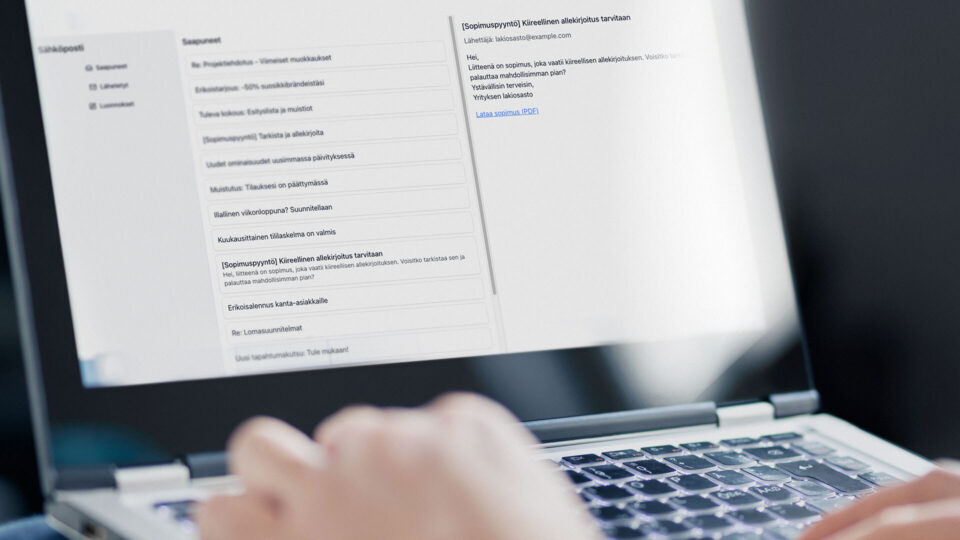
If you’ve received a PDF or Word document by email and been asked to sign it — or if you’ve created the documents yourself and now need a signature confirmation — your first instinct might be to print, sign, scan and send it back. That’s assuming you even have a printer and scanner at hand.
There is a far more modern and secure alternative: e-signing.
Electronic signing is legally valid in the same way as a traditional handwritten signature, and in many cases even more secure. With strong authentication, such as online banking credentials or a mobile certificate, you can reliably confirm the signer’s identity. You also remove the risk of documents getting lost in transit, not to mention the cost of postage.
Signing PDF documents
PDF is one of the most common formats for finalising agreements.
In Visma Sign, you can quickly upload a PDF, add the signers’ email addresses and send it for e-signing in just a few clicks. Once all signatures are collected, you’ll receive a notification and the completed agreement will be stored automatically in your digital archive. You can be sure the document cannot be altered after your signature has been applied.
PDFs can be protected in various ways, but these methods are not foolproof on their own.
For full certainty, always use strong authentication to confirm who is signing and make sure you utilize an e-signing service like Visma Sign where entire document journey is traceable and verifiable.
Signing Word documents
Word documents can typically be edited after signing, which makes sending them as-is a risky option. For this reason, you should always convert Word files into a PDF before starting the signing process. This makes the content harder to modify and adds an extra layer of protection.
You can upload Word documents to Visma Sign simply by converting them to PDF first. Microsoft Word does offer built-in digital signatures, but they differ from true electronic signatures. A Word signature does not verify the signer’s identity. E-signature services do — which is why a dedicated e-signing tool is the safer option.
Want to streamline your signing workflow?
Explore Visma Sign plans or try the service for free.

Visma Solutions simplifies business complexity and helps companies grow with smart cloud services. Being part of Visma Group, our mission is to help companies stay competitive.