Streamline your processes

One form handles both information collection and signing

Build the form you need quickly, with no coding required. Collect information and get signatures from multiple people at once. The completed form is automatically saved as a PDF in your Visma Sign archive, alongside your other agreements.
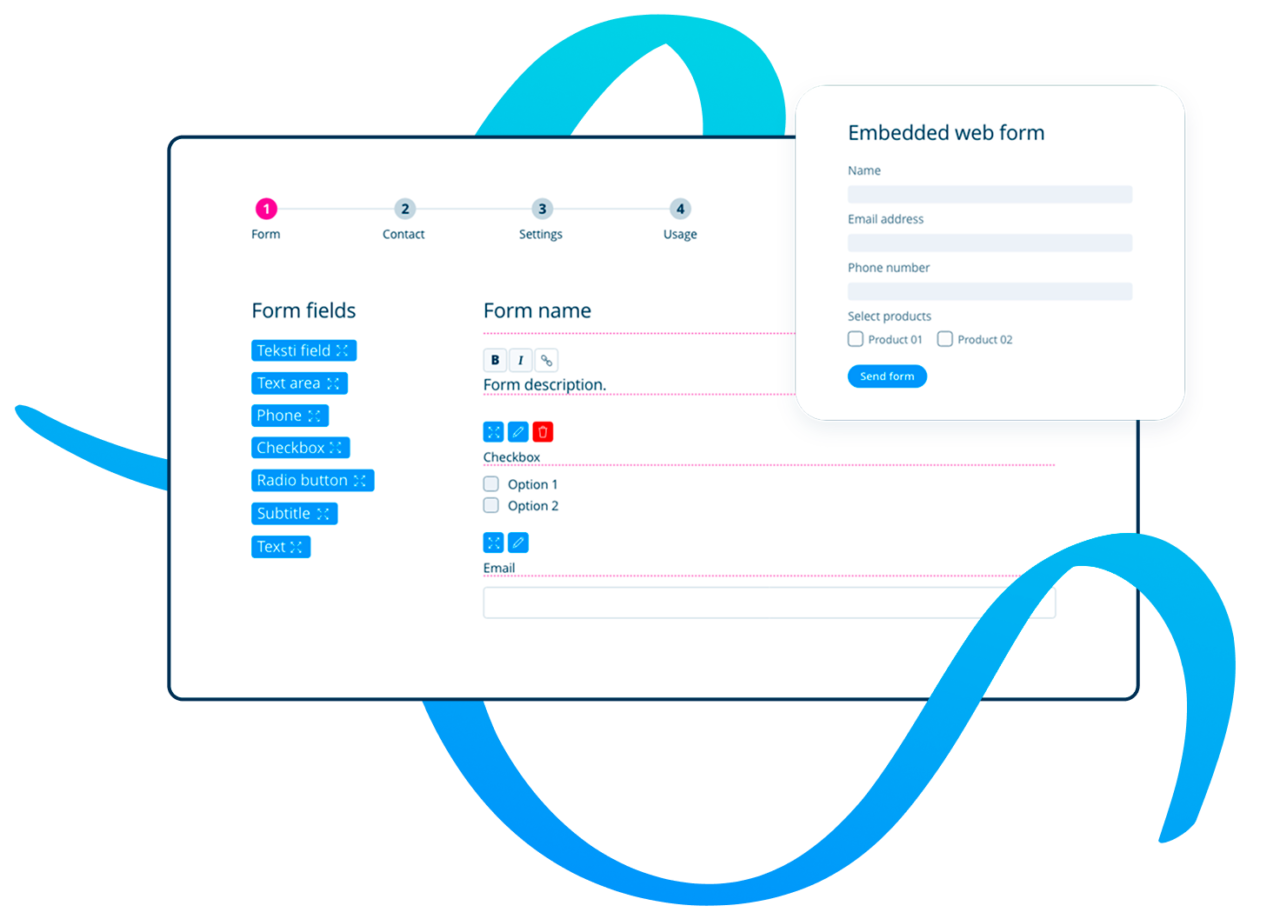
Visma Sign webform illustration

Ways to use the form

Suited for everyday routines as well as one-off needs

For ongoing use

Build a form template once, use it as many times as you need.

For example:

  • New employee information
  • Order forms
  • Membership applications
  • Customer registrations
  • For one-off needs

    There’s no need to build a heavy process for a single use — the form is ready in minutes.

    For example:

  • A single power of attorney
  • Event registration
  • Project-specific consent
  • One-off survey and approval
  • Looking for ideas?

    See how others use the form

    HR and recruitment

    A new employee’s information, employment contract attachments, and signature are all collected in one form — no separate emails back and forth.

    Real estate and rental

    Rental application, personal details, and signing of the rental agreement in the same form, with no printing.

    Associations and organizations

    Membership application and signing of the membership agreement in the same form — membership is set up in minutes.

    Sales and customer relations

    A new customer fills in contact details, chooses a service, and signs the agreement all at once.

    Finance and administration

    One-off powers of attorney, consents, and order confirmations are handled without paper.

    Public sector

    Application, required attachments, and signature are brought together in one secure form.

    Example – how to use web forms

    Service order form

    An electronically signed form is the easiest way to handle orders and service terminations. It offers a flexible, modern way to interact with your customers wherever they are.

    Each form is confirmed with a legally binding e-signature, so you can always trust the sender’s identity.

    Interested?

    Here’s how to get access to the form

    The electronic form is available in the Business and Enterprise packages.

    • You can create an unlimited number of different form templates.
    • Signatures completed through the form are deducted from your Visma Sign package’s signature balance as normal, and any text messages are billed separately.
    • No hidden costs.

    Don’t have a Visma Sign account or the required package? Choose the right option below to get started:

    Already have the right package?

    Start building

    Creating a form

    See the guide covering how to build a form.

    Editing and managing the form

    See what the different settings do and how you can change them.

    We use Visma Sign web forms for updating customer data, managing marketing permissions, and verifying personal details.

    Jaana Hurmerinta, CFO, MetroAuto

    Get started in minutes

    The web form tool is included in the Business and Enterprise plans. You can try it immediately or contact our team for a demo.