Practical tips for boosting your everyday workplace security
In our constantly connected world, the role of IT security is growing all the time, and that responsibility now extends to every single employee. Whether you’re working remotely, in the office, or even at a coffee shop, you can prevent data breaches and protect vital information with some incredibly simple, practical steps. For businesses, this security culture is underpinned by tools like strong authentication and contract management.
In this article, security expert Joni Laukkonen shares easy-to-follow tips to help you strengthen your security posture in your day-to-day work.
Lock up your workstation
When you step away from your desk, even for a moment, it might be hard to imagine anyone accessing your emails or confidential documents. However, it can happen, even if there’s only one other person nearby. Locking your screen is non-negotiable.
Make it a habit: Always lock your device using simple shortcuts, such as the Windows Key + L or Control + Command + Q on a Mac. If you struggle to remember, set your machine to lock automatically after a short period of inactivity.
Be careful with software installs and use AI tools responsibly
Apps you stumble across while browsing might seem handy. To avoid malware, though, never download software from even slightly suspicious websites. Only install programmes and apps from reliable sources. If you’re unsure how to assess reliability, simply ask your IT department. If you suspect you’ve picked up malware, disconnect from the network immediately and contact your IT support.
To mitigate risks, avoid inputting sensitive or confidential information into AI tools like ChatGPT. Follow your company’s guidelines, and if in doubt, check with your security or legal officer.
Connect only to secure wi-fi networks
Joining an open Wi-Fi network at a café or on a train might feel harmless, but it can unknowingly expose your data to interception. Therefore, avoid using open Wi-Fi networks for work purposes. Instead, use a VPN connection to ensure an encrypted link, or utilise your phone’s encrypted hotspot.
Keep up with software updates
Out-of-date software leaves your computer vulnerable to attacks. Create a regular update schedule for yourself or switch on automatic updates. If your system has been compromised due to outdated software and you receive a notification, update the programmes immediately and contact your IT support team.
Use strong passwords and enable two-factor authentication (2FA)
The importance of passwords has been widely discussed for a long time, and they remain one of the most effective ways to improve security. The general rules are always worth remembering:
- If your account details are compromised, change your passwords straight away and monitor the accounts for suspicious activity.
- Don’t use simple passwords like ‘password123’, especially across multiple accounts.
- Don’t recycle similar passwords just to make them easier to remember.
To make this easier, use a dedicated tool like 1Password to create and manage your passwords. Crucially, remember that accounts protected only by a simple authentication method are still susceptible to attack. Always utilise at least two-factor authentication (2FA) or strong authentication for your work accounts whenever possible.
Watch out for suspicious emails and security anomalies
Suspicious emails with unknown and oddly named attachments are a clear red flag. Set a high bar for opening a questionable attachment or the email itself. In unclear situations, always check with your company’s security officer as a default measure.
Irregular log-in activity or unexpected alerts on your work accounts are clear warning signs that must always be reported.
Early intervention can effectively prevent further damage and secure accounts. Remember, a ‘false alarm’ is always better than ignoring an issue and allowing the problem to multiply.
Ensure a secure home office
If you work from home, keep your router software updated and ensure you are using the latest Wi-Fi encryption standards. For children’s internet use, it is wise to employ device management apps or, for better security, use a separate guest network.
It’s also sensible to discuss security and its importance with family members, especially children. Teach them how to recognise threats and navigate the web safely. This protects everyone using the same network.
Limit access rights and secure your digital archive
Avoid sharing your login credentials with others, no matter how convenient it seems. Keep your details private and restrict access rights on a need-to-know basis. If you have previously shared access, change your passwords immediately and ensure appropriate access is granted through official company channels.
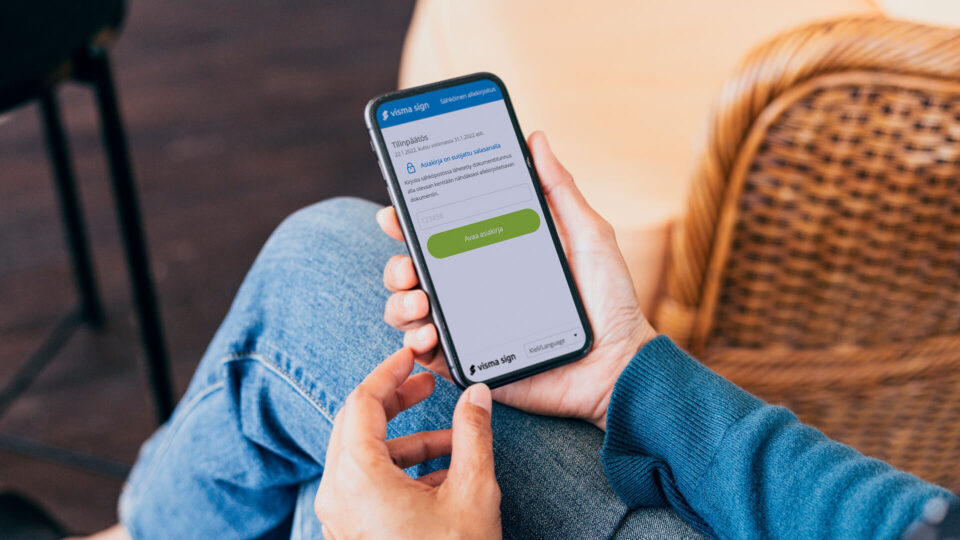
The importance of appropriate access extends to company agreements and documents. A service like Visma Sign, which offers a robust e-signature and contract management solution, makes it easy to ensure documents are only visible to the relevant parties, protecting your digital archive.
Use work devices for work only and declutter regularly
Avoid installing personal software on work devices unless it has been explicitly agreed upon. If you find unauthorised software, remove it and contact your IT support to check the system.
Furthermore, you should carry out a regular ‘digital tidy-up’ on your work devices. This involves deleting unnecessary files and caches, and ensuring important documents are accessible to the right people via your company’s procedures, perhaps using your contract management tool.

Joni Laukkonen is a dedicated information security specialist with a passion for every aspect of cybersecurity. His curiosity and willingness to share knowledge drive continuous growth and learning within his team and the wider community.